-
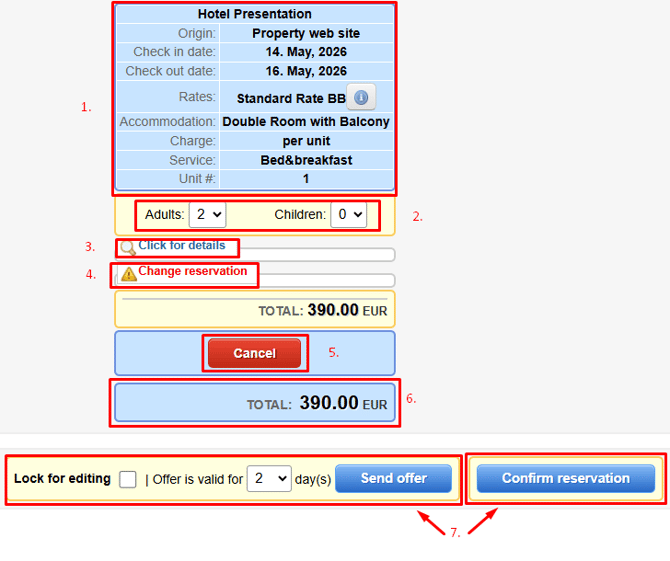
General reservation information
-
Ability to adjust the number of guests (Adults and Children)
-
Ability to modify guest names
-
Ability to add a discount or supplement (in nominal or percentage value)
-
Canceling a Reservation/Offer
- Total Reservation/Offer Amount
- Create Reservation on Behalf of Guest / Send Offer (7.a: Send Offer; 7.b: Create Reservation on Behalf of Guest)
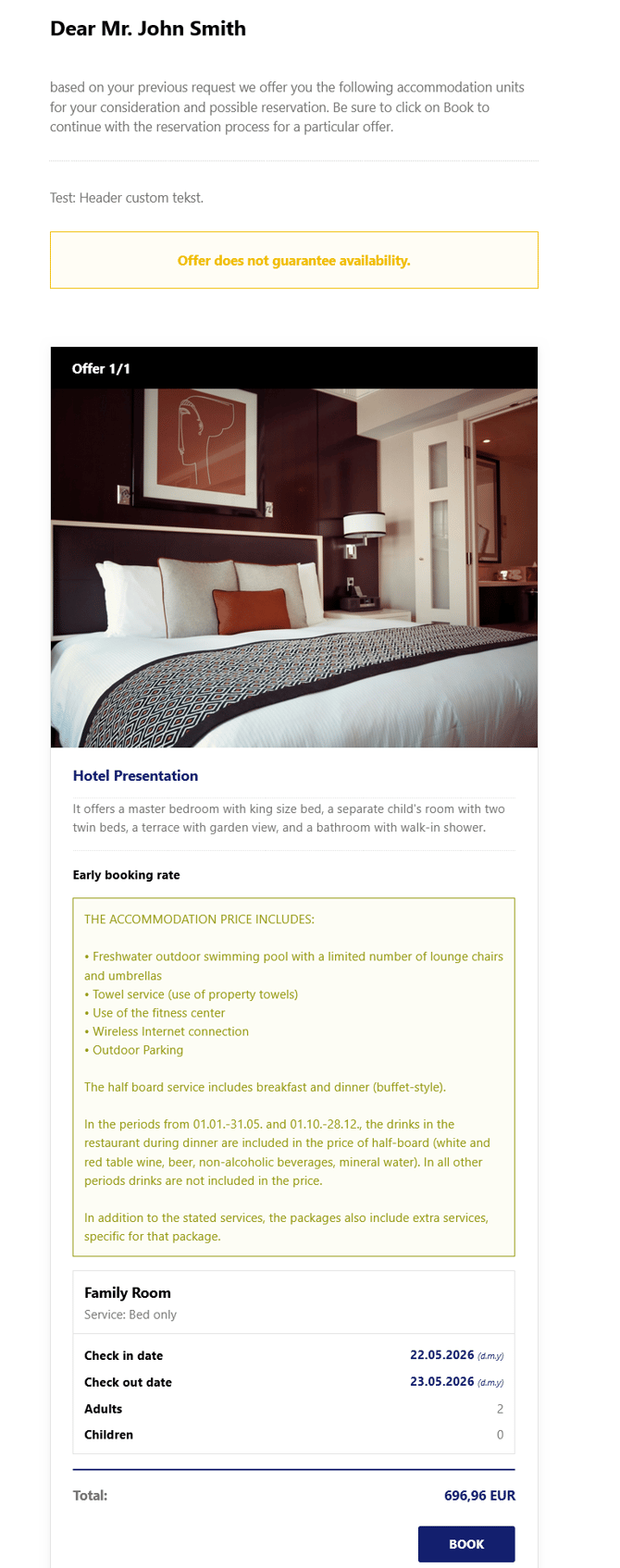
Example of sent offer